Looking for a caller ID app? Getcaller helps you review available caller context, spam signals, and phone-number search information before you call back. Caller information can vary by number, country, device settings, permissions, carrier or OS behavior, and available data.
Review available caller information for incoming or missed calls so you can decide how to respond.
Check unfamiliar numbers before calling back and compare the result with common warning signs.
Use caller context and suspicious-number signals to help decide whether to answer, ignore, block, or report.
Follow the right setup path for your device because caller ID behavior can differ between iOS and Android.
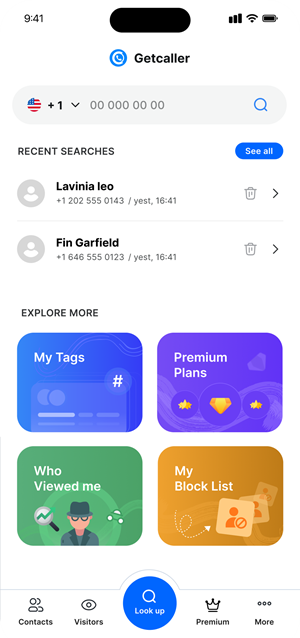
Experience a clean, intuitive interface designed for quick caller identification.
Use the official App Store or Google Play link for your device.
Follow the required caller ID or call identification settings for iPhone or Android.
Use available caller information to decide whether to answer, ignore, block, or report.
Download the Getcaller app to identify unknown callers and manage unwanted calls.
May we use analytics cookies to understand how this site is used? You can refuse and keep using the site, or change your choice here later.
