Getcaller helps you recognize suspicious numbers, review missed calls, and decide when to answer, block, or report. No spam blocker can stop every unwanted call, and behavior may vary by device, settings, region, and number history.
Review available signals for unfamiliar numbers before deciding whether to answer or return a call.
Search missed unknown numbers before calling back, especially when a call looks urgent or unfamiliar.
Use Getcaller alongside the call blocking and identification settings supported by your phone.
Avoid sharing verification codes, payment details, passwords, or personal information with suspicious callers.
Experience a clean, intuitive interface designed for quick caller identification.
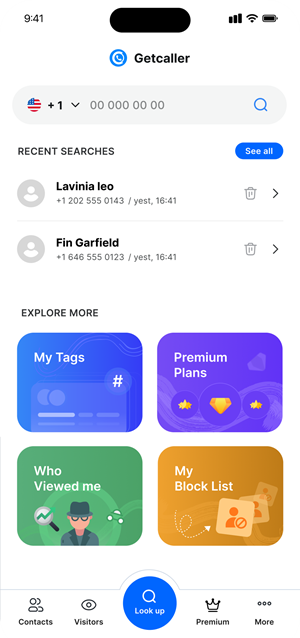
Set up Getcaller from the official app store link for your device.
Check available information for suspicious, repeated, or unfamiliar calls.
Answer, ignore, block, or report based on the caller context and your phone settings.
Download the Getcaller app to identify unknown callers and manage unwanted calls.
May we use analytics cookies to understand how this site is used? You can refuse and keep using the site, or change your choice here later.
