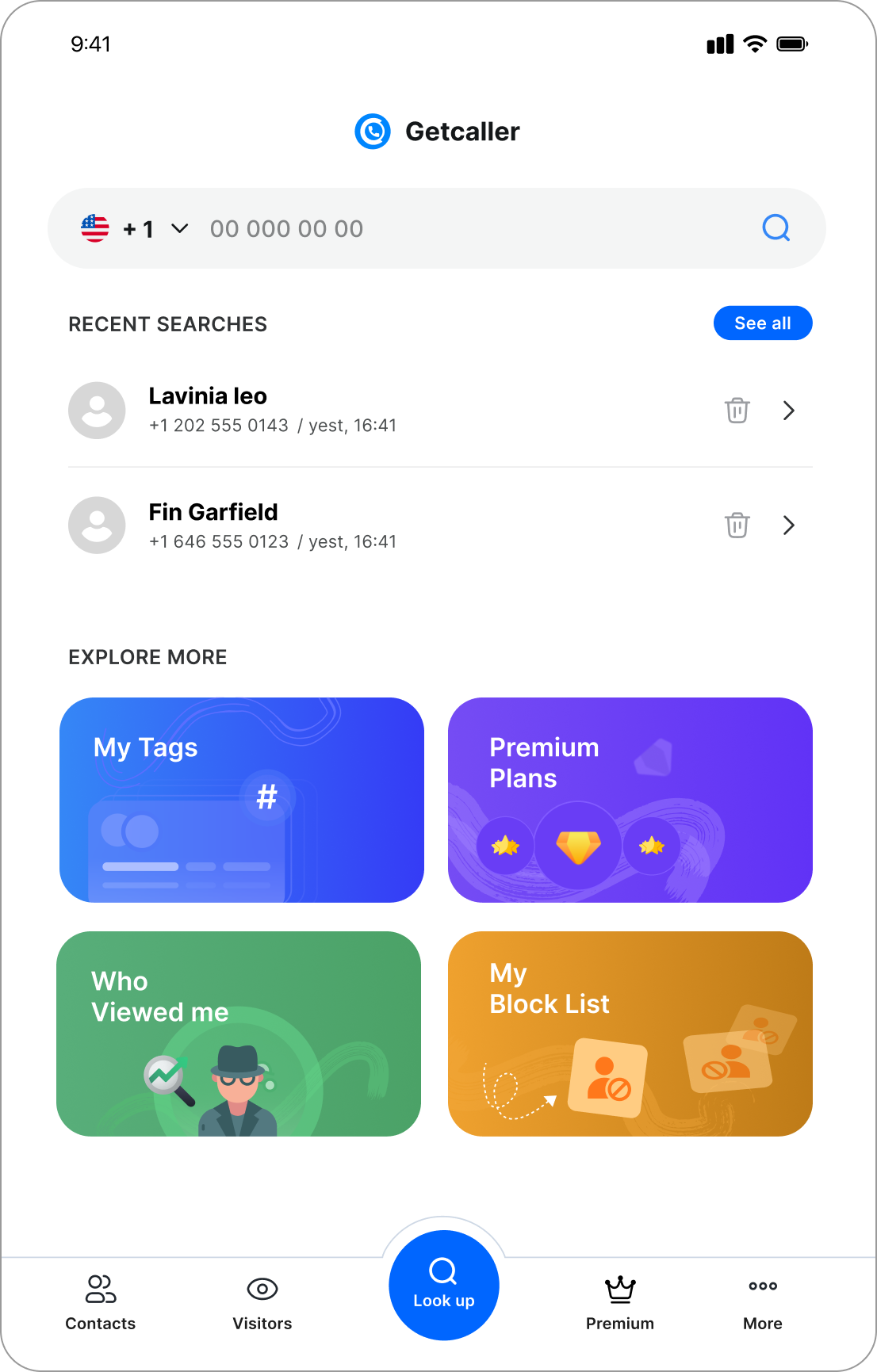
Identify unknown callers, block spam calls, and manage your phone privacy with confidence.

Official Getcaller app
Use the official Getcaller app for caller ID, spam protection, and phone-number search. Results can vary by number, country, permissions, and available data.
App Store ID: 6612038483 · Play package: net.getcaller.getcaller
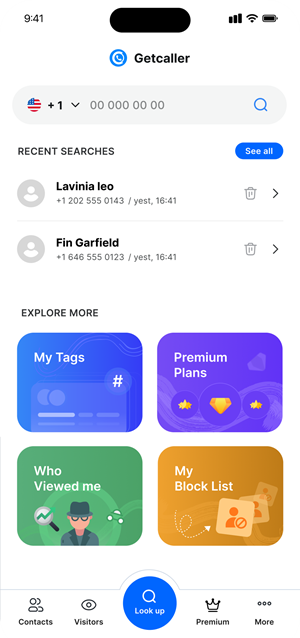
Available on iOS, Android & Web. Stay informed, stay in control!
Explore the tools that help you identify callers, reduce spam, and stay in control of your phone privacy.

Use Getcaller pages to review phone-number search, available caller ID context, spam-signal guidance, and setup help before continuing in the official app.
Discover how your number appears in others' phone books. See the exact names people have saved for you!
Identify unknown numbers and see how others save your contact. Stay aware, stay in control!
Get instant notifications when someone searches your number or adds a new tag.


Download GetCaller from the App Store, Google Play, or use the web version.
Create your account and set up your profile.
Search numbers, identify callers, and see how your number appears to others.


Choose a plan that fits your needs. Start free or unlock premium features for more searches, better privacy, and advanced insights.
If more than one subscription is active at the same time, including monthly and yearly plans of the same tier, monthly search limits are combined. Premium features follow your highest active plan.
$2.99
$2.99 / monthly
$6.99
$6.99 / monthly
$9.99
$9.99 / monthly
$14.99
$1.25 / monthly
$34.99
$2.92 / monthly
$49.99
$4.17 / monthly
Explore the GetCaller experience with real app screenshots. See how easy it is to check how your number is saved and stay in control.


Find answers about GetCaller's features, pricing, privacy, and caller identification.

Stay informed with our latest features, updates, and announcements

A practical guide to reviewing Getcaller settings on a Motorola phone after setup or an Android update.
Read MoreA practical guide to reviewing Getcaller settings on a Google Pixel phone, with reminders that menu names and results can vary.
Read MoreSteps to keep Getcaller running reliably on Realme phones by adjusting realme UI autostart, battery, and notification settings.
Read More


May we use analytics cookies to understand how this site is used? You can refuse and keep using the site, or change your choice here later.