A quick phone number search can help you decide whether a missed call deserves a callback, a block, or a report. Results can vary by number and region, so do not share personal, banking, or verification information based only on caller ID.
Enter the full number, including country or area code when needed, then review available caller context.
Look for suspicious patterns before calling back or engaging with an unfamiliar caller.
Caller information and result availability may differ by country, number type, and data availability.
Search once on the web, then set up Getcaller to recognize future calls on your phone when available.
Experience a clean, intuitive interface designed for quick caller identification.
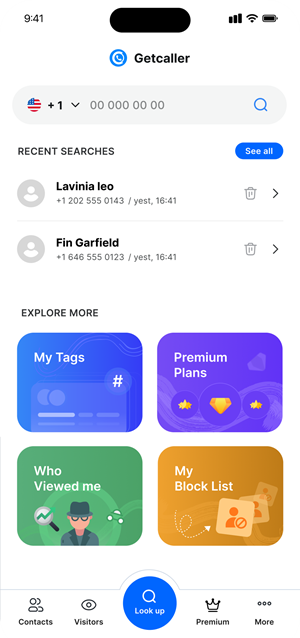
Use the full number format when possible so the lookup has the best context.
Check the available information and any suspicious-call signals.
Decide whether to call back, block, report, or wait for a trusted follow-up.
Download the Getcaller app to identify unknown callers and manage unwanted calls.
May we use analytics cookies to understand how this site is used? You can refuse and keep using the site, or change your choice here later.
