When an unknown number calls, Getcaller helps you search for available caller context, review warning signs, and choose a safer next step. If a caller pressures you to act urgently, send money, or share codes, pause and verify through an official channel.
Search the number before returning a missed call from an unfamiliar caller.
Be cautious with urgent payment demands, verification-code requests, impersonation, or repeated short rings.
If a call seems suspicious or unsafe, consider blocking or reporting the number through supported flows.
Answer, ignore, block, report, or call back only after checking available context.
Experience a clean, intuitive interface designed for quick caller identification.
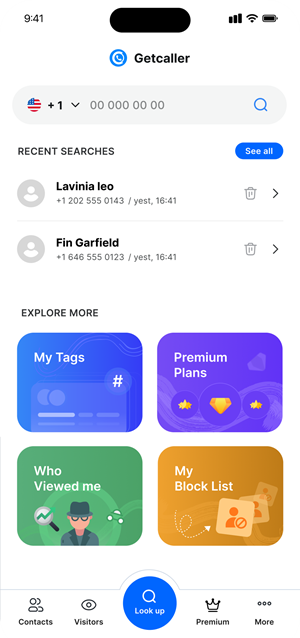
Start with the visible phone number from the missed call.
Check whether the number appears suspicious or unfamiliar before responding.
Avoid sharing sensitive information and verify urgent claims through official channels.
Download the Getcaller app to identify unknown callers and manage unwanted calls.
