Looking for call identification support? Getcaller helps you review available caller context, spam signals, and phone-number search information before you call back. Caller information can vary by number, country, device settings, permissions, carrier or OS behavior, and available data.
See detailed caller profiles including name, photo, social media links, and email when available.
Every incoming call is assigned a spam risk score so you can quickly assess whether to answer.
Numbers are automatically classified as personal, business, spam, or unknown based on our database.
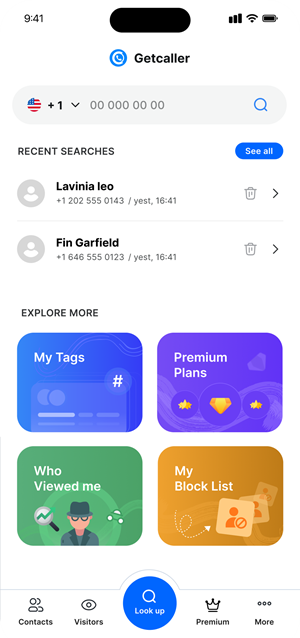
See who has looked up your phone number with the "Who Seen Me" feature (available on premium plans).
Experience a clean, intuitive interface designed for quick caller identification.
Download Getcaller and complete the quick setup to enable call identification on your device.
When someone calls, Getcaller displays their information on your screen in real time.
Answer, decline, or block calls with confidence knowing exactly who is trying to reach you.
Download the Getcaller app to identify unknown callers and manage unwanted calls.
May we use analytics cookies to understand how this site is used? You can refuse and keep using the site, or change your choice here later.
